
A race weekend with VLTA
Thursday to Monday, from one phone.
This is one round for a sample driver, Kit Navarro, on licensed photos. Every picture below came out of VLTA as it is: the Builder, Race day and the Driver kit.
Thursday
Race week
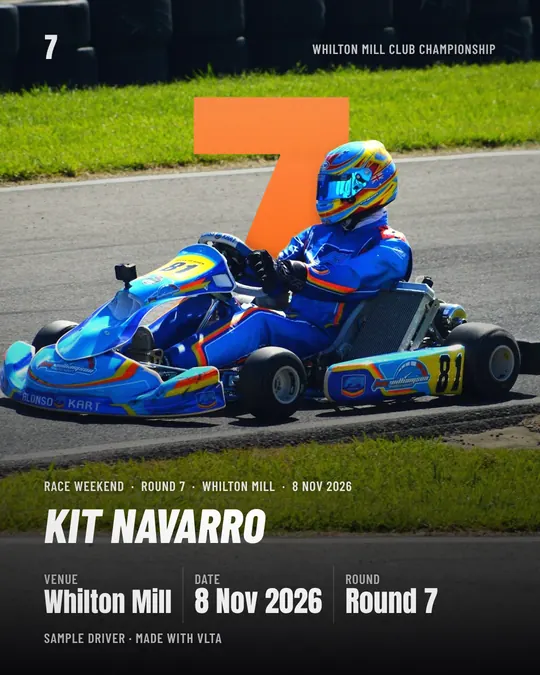
The build-up post, with the track, the round and the date. If the race is on the calendar, VLTA drafts it four days before and emails you.
Friday
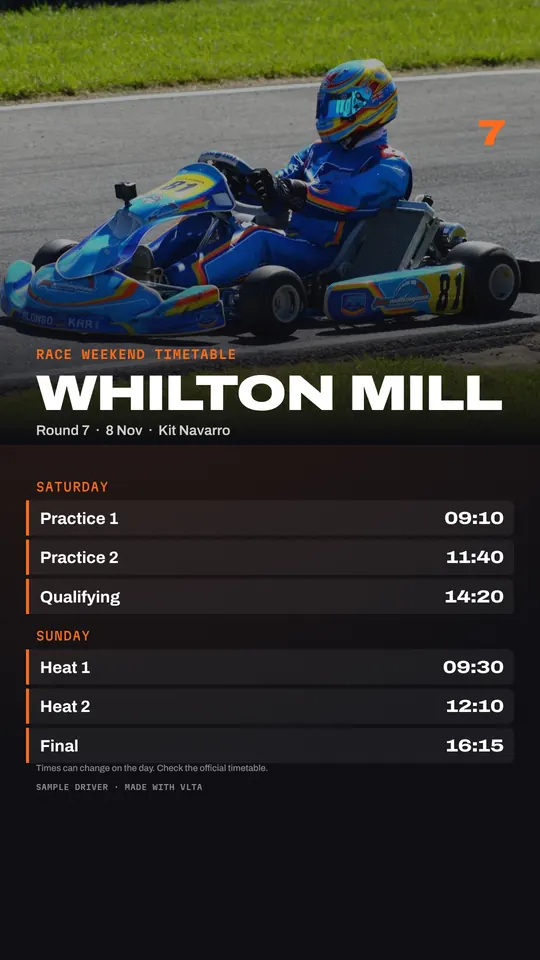
The timetable
Type the session times once. A story for the weekend, grouped by day, and Race day uses the same list.
Saturday
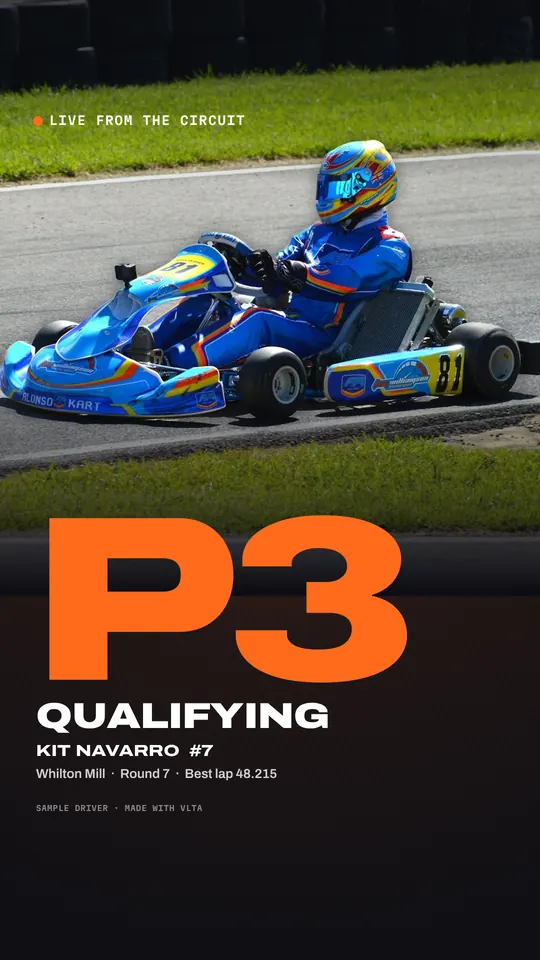
Qualifying
At the circuit: open Race day, tap Qualifying, tap 3, save the story. The caption is copied for you. It works without signal once it has been opened on the phone.
Sunday, 4pm
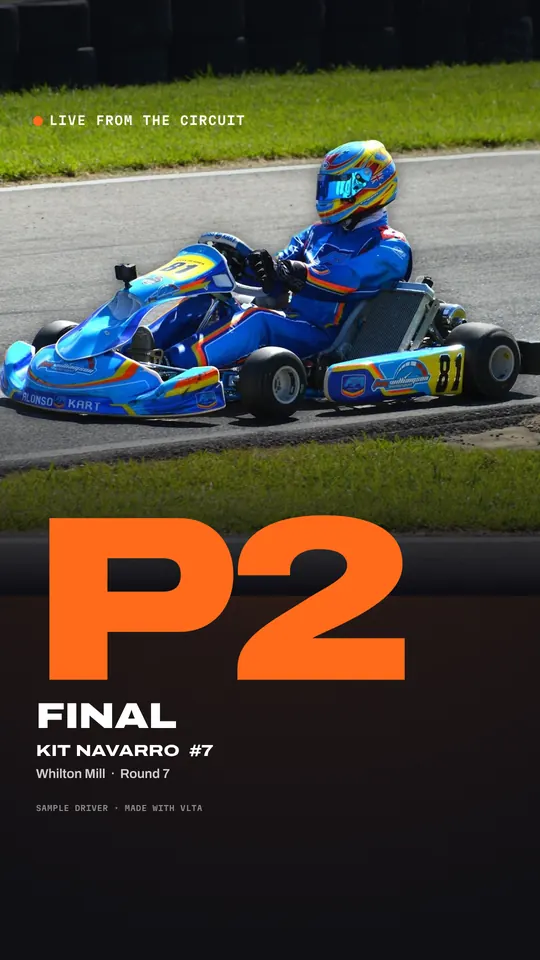
The final
Same again for every heat and the final, about ten seconds each.
Sunday night
The result
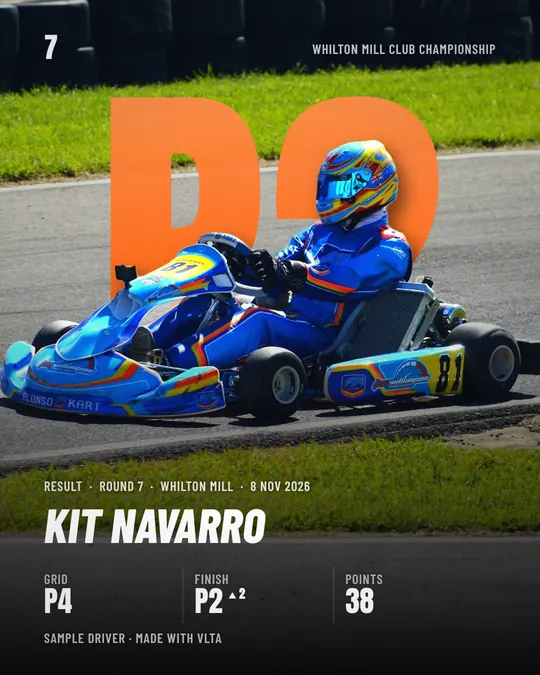
The finished post: your photo with the kart cut out, the result standing behind it, in your colour. Twenty styles, feed, square and story, and the caption written from what you typed.
Monday
The season so far
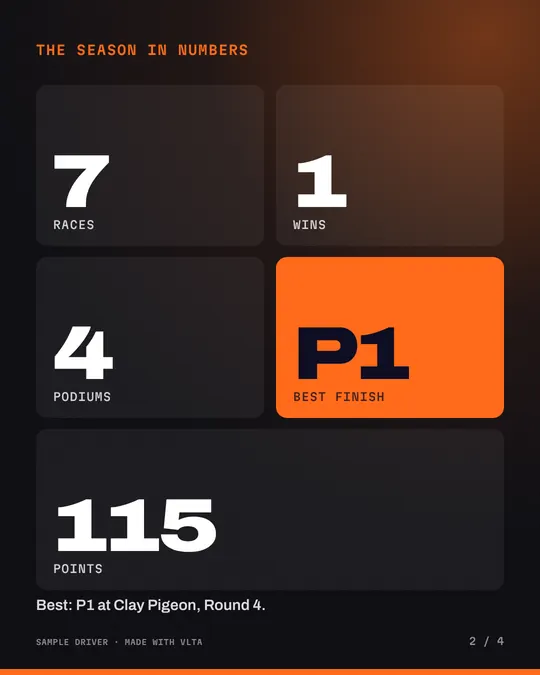
The calendar fills in with the result, and the season review carousel is ready whenever the season ends. Every partner gets their monthly report from the same results.